
Setup
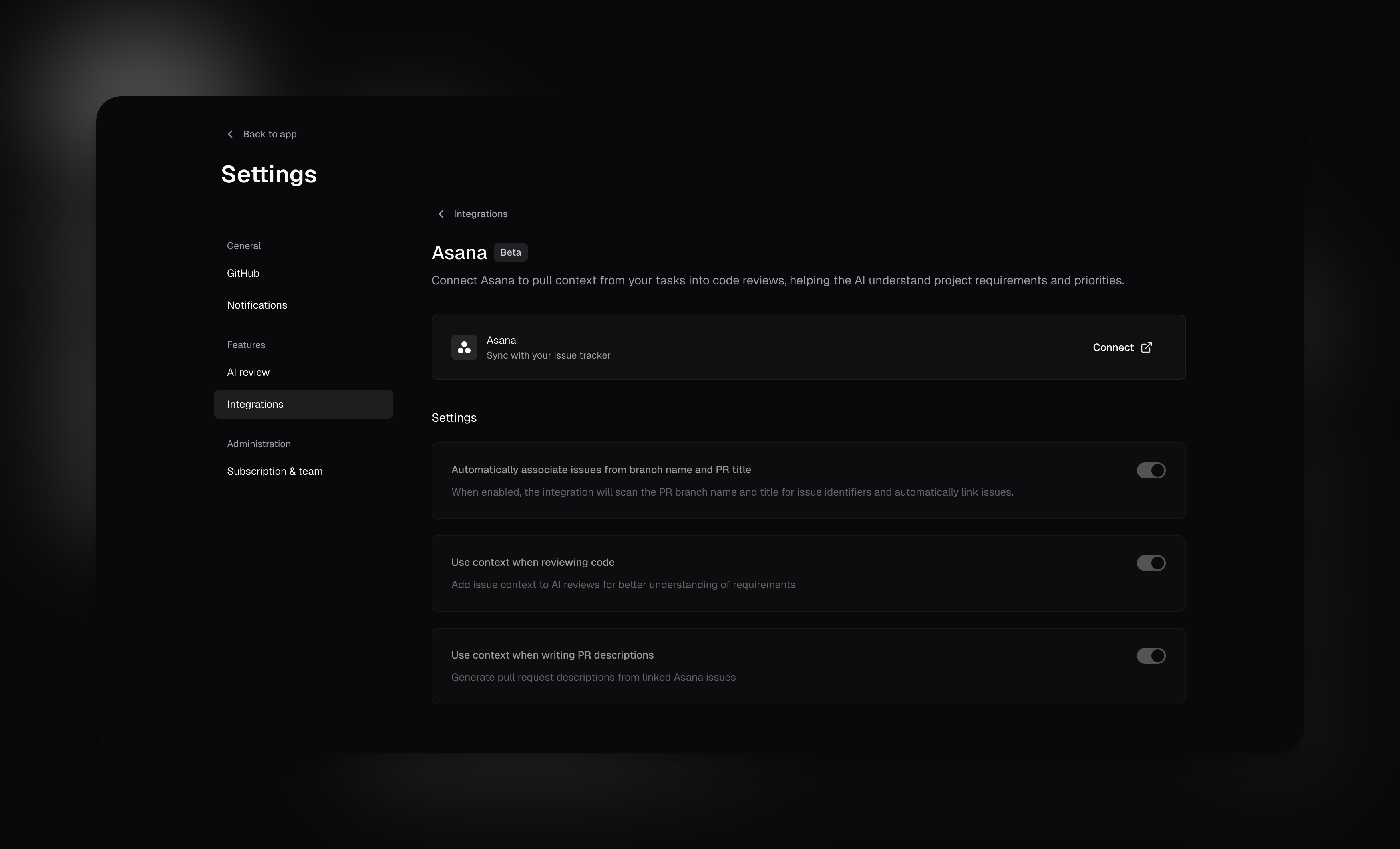
Connect Asana
- Navigate to integration settings.
- Follow the instructions to connect your Asana account.
- Authorize cubic to access your Asana projects.
Configure AI behavior
Toggle these options based on your workflow:- Use context when reviewing code - AI reviews check if code matches task requirements
- Show linked issue analysis in reviews - Post acceptance criteria assessment in PR review comments. When disabled, task context still improves AI review quality but is not shown publicly. Requires “Use context when reviewing code” to be enabled
- Use context when writing PR descriptions - Generate descriptions from linked Asana tasks